 WARCRAFT SURVIVORS
 WebGPU and the cap
Azeroth Survivors not loading
Source scope · 核对范围 · 출처 범위 (2026-10-28): Exact patch dates, talent values, timers and scores attributed to azerothsurvivors.app are single-source community claims. v0.120.5 appears in that log; wowsurvivors.com still lists v0.120.4. These are not independently measured client or archive versions. Source policy.
Browsers the author names
The official page warns about WebGPU and points at Chrome, Edge, and Safari. A 26 October 2026 NetEase article specifies Safari 26. togame.io and azerothsurvivors.app’s not-loading page add Firefox, and they say it needs a flag. That Firefox line is a community write-up, not text I could quote from the official warning.
If the adapter fails, the canvas stays black. The community notes say to check chrome://gpu (or the Edge equivalent), turn hardware acceleration back on, and close other WebGPU tabs. I am not repeating a step that only one page invented; both the app not-loading guide and togame mention the adapter.
Too many people are playing
The official client has its own busy copy. When the cap is hit you get a 429-style message rather than a corrupt download. Waiting is the fix the page itself implies. A mirror or an iframe will not raise the cap, and third-party frames are rejected.
Windowed mode and saves
Windowed mode comes up in search queries. I did not find an official troubleshooting line that says borderless mode fixes a black screen, so I am not prescribing it. If the game loads and then your character is gone, that is a different problem: browser progress is localStorage, and a new profile looks like a wipe. Use the save-file page before you reinstall.
What I checked
I hit the official URL and read the warning text next to the community not-loading pages. The busy message is on the author’s host. The Firefox flag is not. I kept those in separate paragraphs so a stuck player does not chase a browser the author never named.
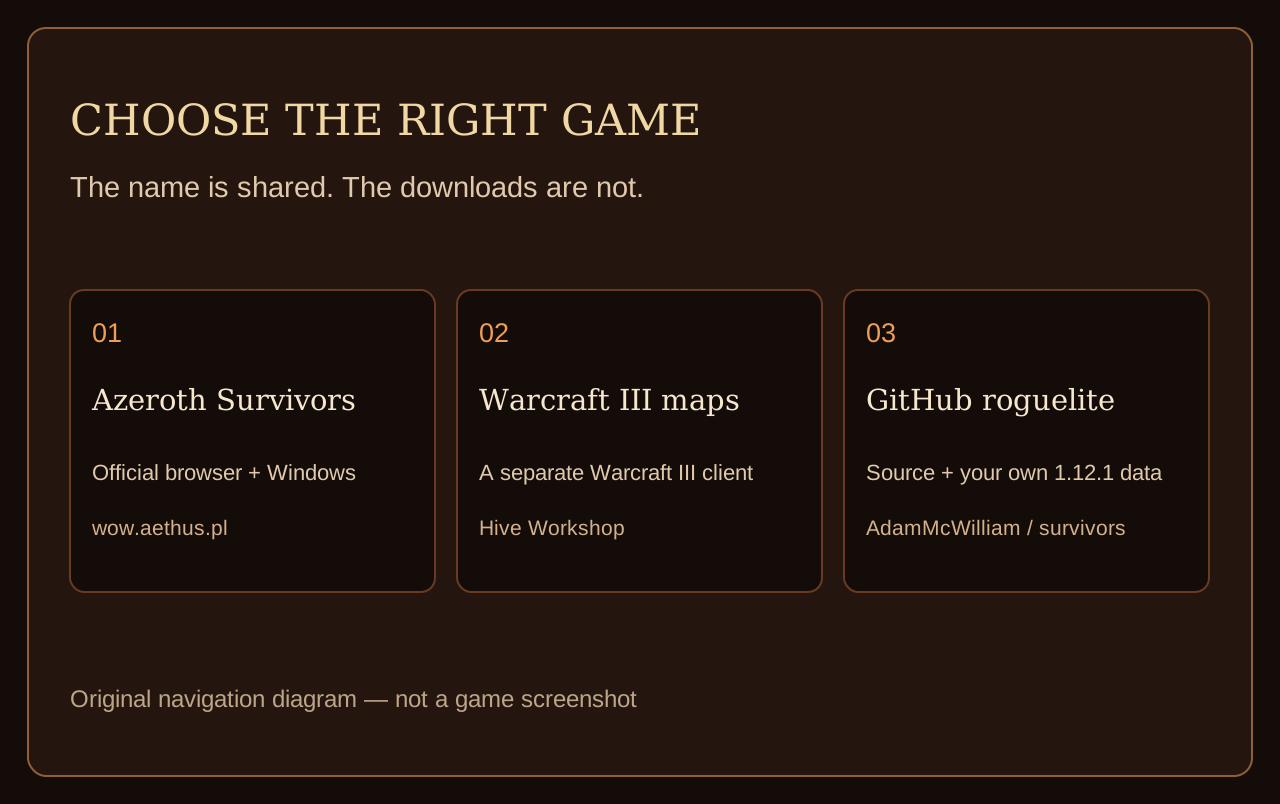
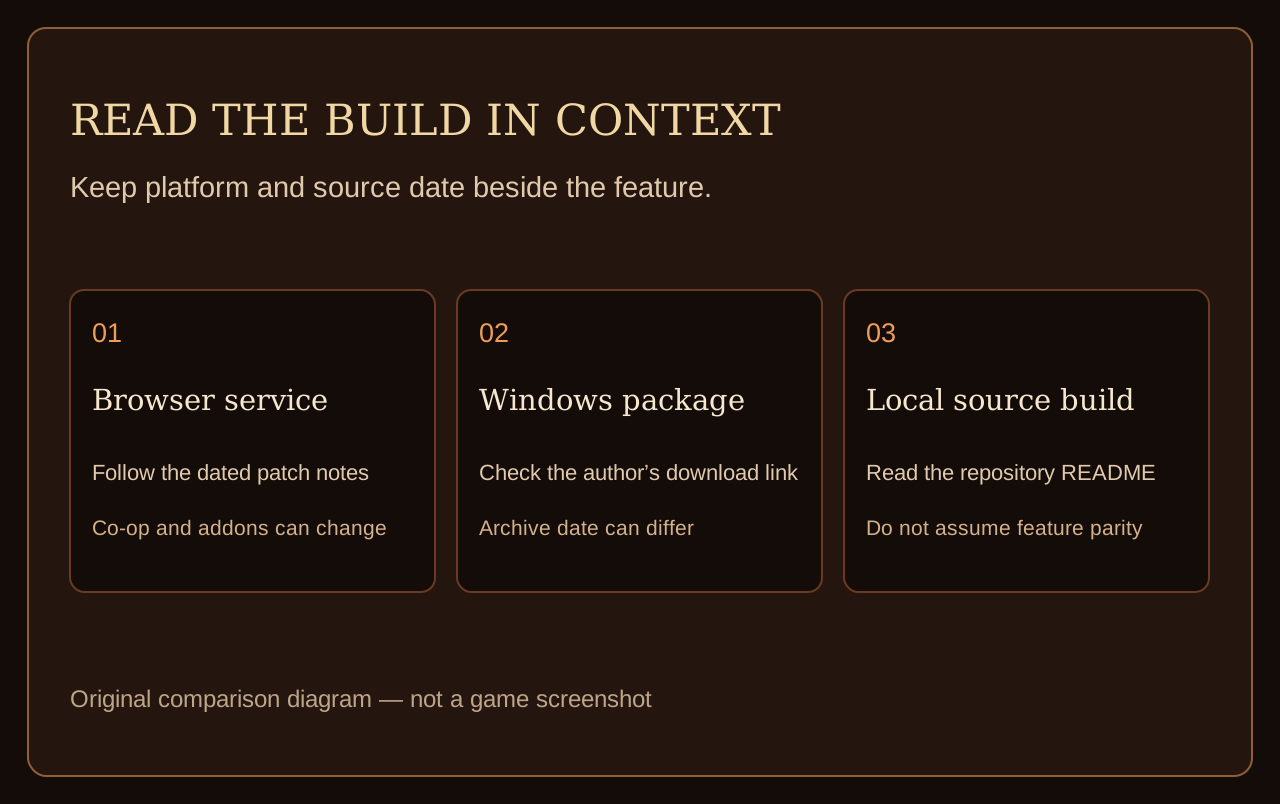
Guide diagrams
FAQ
Why is the screen black?
The usual public explanations are a missing WebGPU adapter or a browser that cannot create one. Chrome and Edge are the browsers the official warning names first.
What does “too many people” mean?
It is the official client’s own capacity message. It is not a corrupted .rar.
Does Firefox work?
Community pages say only with a flag. The official warning I read does not promise Firefox.
Will a different website’s embed work?
No. Third-party frames are refused, and the author does not allow embeds.
Related
Sources
- Official client — WebGPU warning and busy copy
- Not-loading notes — Adapter and black screen, 2026-10-27
- togame.io — Browser matrix, Firefox flag claim
- NetEase — Safari 26, 2026-10-26
How we verify · Updated 2026-10-28